Billing and Subscription
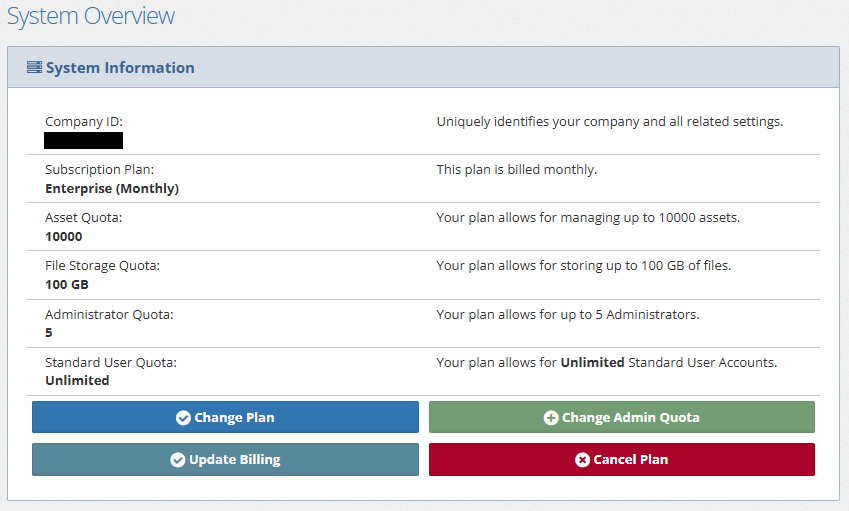
Manage your payment method, subscription plan, and administrator quota from the Options menu.
Permission required
Only users with the System Administrator role can change the payment method, change the plan, or increase the admin quota. If you don't see these buttons, or can't use them, ask a System Administrator to make the change.
Change the Credit Card on File
- Click the Options button in the main toolbar at the top of the page.
- Click the Update Billing button.
- Click the Edit Subscription link.
- Follow the steps to Update payment method.
Change Plan
- Click the Options button in the main toolbar at the top of the page.
- Click the Change Plan button.
- Click the button to select your new plan.
- Click the button to confirm the changes.
caution
Confirming the change charges the payment method on file.
Increase Admin Quota
- Click the Options button in the main toolbar at the top of the page.
- Click the Change Admin Quota button.
- Review the current quota displayed on the page.
- Click the Increase Quota link.
- Enter the number of additional admins to add to the existing quota.
- Click the button to Continue.
- Review the changes, and then click the button to confirm.
caution
Confirming the change charges the payment method on file.